
10 Simple Ways to Improve Your AI-Generated Videos

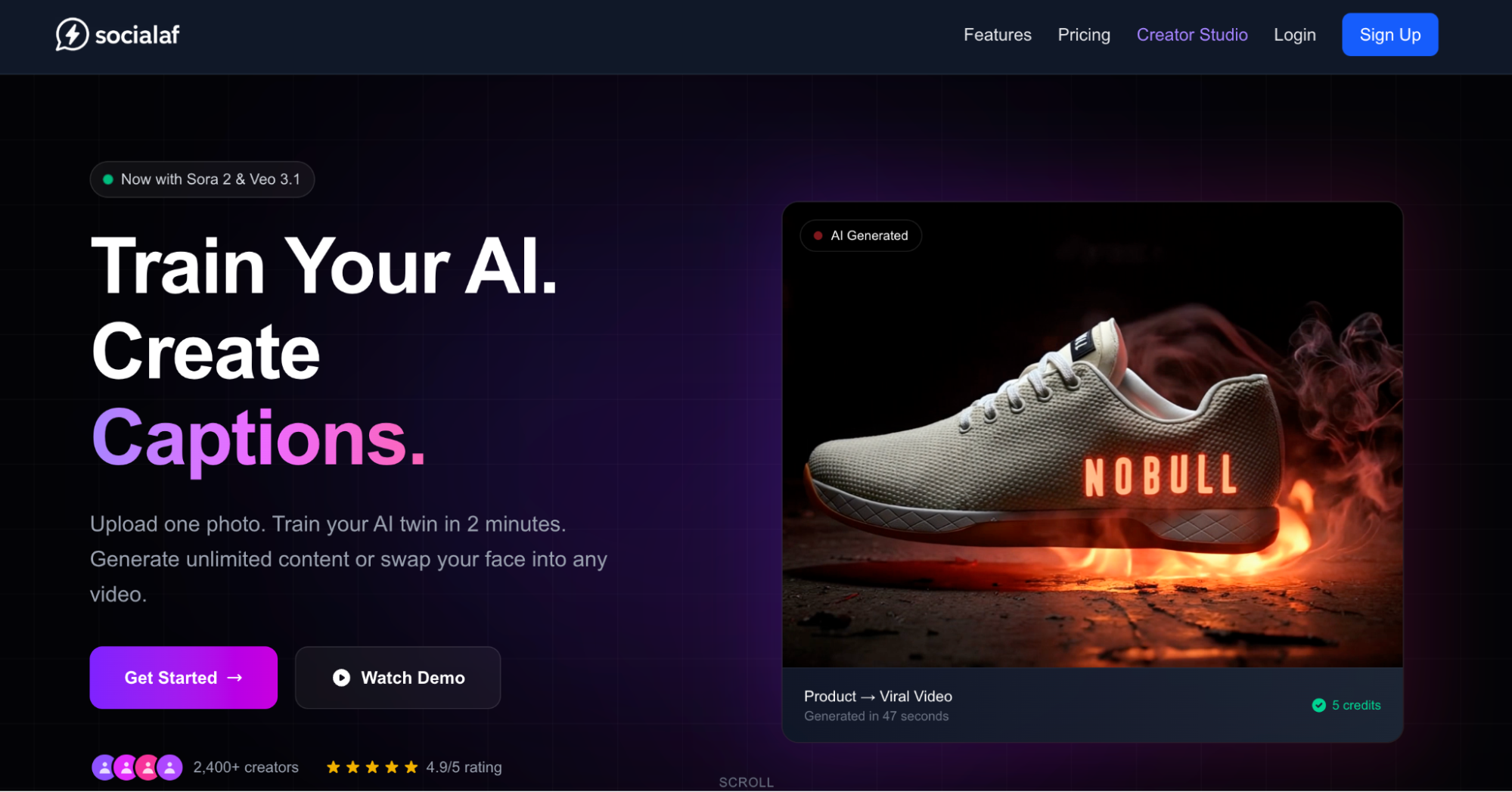
Artificial intelligence has transformed video creation from a labor-intensive craft into an accessible powerhouse for creators everywhere.
By harnessing AI video tools like AI Video Studio, anyone can produce stunning visuals, streamline editing, and scale content output without traditional barriers.
Use this guide to discover efficient workflows and strategies that will dominate the content game.
Master Prompt Engineering Basics
Providing effective prompts is essential to producing quality AI videos.
A good prompt describes not only the content of the scene but also its camera angle and mood.
For instance, giving the lighting as “golden hour sunlight filtering through autumn leaves” rather than just using “outdoor scene” produces a more cinematic look.
Use motions like “slow pan right with subtle zoom” as prompts. Refine by generating short clips, identifying issues, adjusting prompts, and analyzing them with tools like Clip Interrogator.
This model has professional-quality results in projects that ranged from promotional videos to narrative shorts.
Use descriptive language and technical specifications such as frame rates and aspect ratios, and gradually create a list of working prompts for different aspects of the film to streamline future projects.
It is the dividing line between amateurs and masterpieces.
Optimize Avatar and Voice Integration
Lifelike avatars animate scripts yet have to be synchronized.
Choose avatars with expressions and the right emotional reaction that suit and blend well with the storyline.
Pair them with natural TTS engines that can accommodate multilingual accents across the globe.
Changing the timing of lip sync before screening increases plausibility and reduces uncanny valley effects.
Additional subtle gestures, such as hand movements, can help add interest.
These tweaks transform flat talking heads into compelling storytellers that grab the audience.
Choosing the Right Avatar Types
Realistic and human-like avatars are better for corporate explainers, while stylized avatars are well-suited for animated storytelling.
Test each type to find what works best for your brand.
Advanced platforms let you adjust skin tone, clothing, and background to hyper-personalize.
Similar to voice, if you’re providing direction, go with a warm or authoritative voice; if it’s an advertiser, lively.
If you’re trying to imply culture, mix accents or paces.
Streamline Script-to-Video Workflows
When creating videos, you can automate script writing by using hooks, the body, and calls-to-action to create outlines.
This allows you to take ideas and make videos faster.
These are then input into AI systems for voice synthesis and the assembly of visuals.
Batch process script versions to test metrics (specifically watch time), examine exported output for pacing issues, then regenerate any affected segments.
This enables efficient scaling of production for specific channels or campaigns without increasing headcount.
Keep the video content brief and break down scenes to create modular progressions.
Use an eye-catching hook in the first three seconds and gradually build the visuals.
End with memorable closes that encourage shares or subscriptions.
Enhance Visuals with Scene Generation
AI can create studio-quality final backgrounds and transitions, allowing for the combination of stock backgrounds with AI-generated ones to create an engaging space, like a futuristic city or nature scenes.
Maintain uniform color grading between clips for brand continuity.
Adding particle simulations and weather animations to a scene could improve the realism.
The director advises rendering scenes in high-res to avoid artifacts in upscaled low-res footage.
These techniques effectively make amateur productions indistinguishable from Hollywood films.
Layering for Depth
Foreground, midground, and background elements were stacked for depth.
Transitions to other scenes and sequences, such as going into a dream, were smooth.
Older video content is improved to a satisfactory level with AI upscalers.
Boost Editing Speed with Automation
Previously slow and manual work hours in a video editing suite can now be reduced to minutes with AI tools.
Auto-cut features look for pauses and filler words to trim video clips cleverly.
Add an AI-based color correction feature that smooths and balances shots.
Smart music sync lets you snap to beats during important moments, while the object removal tools let you trim elements no longer needed.
These tools mean more time for creative exploration and less for tedious adjustments.
It offers real-time previews of AI-suggested cuts and effects, and allows export for various platforms without reformatting.
Incorporate Interactive Elements
Static videos are customarily non-interactive.
Incorporate quizzes, polls, or AI overlay hotspots.
Create branching narratives by allowing viewers to choose the story path.
Useful for educational or marketing content.
Analyzing user interactions helps inform future projects.
Add interactive features, such as automatically adding viewer names and preferences to the output, leading to higher completion and sharing rates and more active involvement.
Some platforms, such as socialaf.ai, have incorporated such features to improve user experience.
Scale for Multi-Platform Distribution
Videos can be repurposed into vertical formats, short reels, or professional carousels with automatic AI-generated resizing, reformatting, and captioning/subtitling in different languages for accessibility.
Use facial recognition to optimize thumbnails for maximum clicks.
You can A/B test them across platforms to find the best performers, trim long-form videos down to short clips, getting more coverage with consistent branding without extra work.
Ensure Ethical and Compliant Outputs
Transparency can be achieved through clear watermarking of AI-generated content.
Pitfalls can be addressed through source checks and bias auditing.
Follow platform policies for synthetic media disclosures.
Build workflows that adapt to changes to laws and regulations on data privacy and content authenticity, building trust and minimizing legal risks over time.
Document your audits and actions to show human checks where appropriate.
Analyze Performance for Continuous Improvement
Using analytics to identify drop-off points and engaging elements gives an understanding of where AI tools can be used to analyze viewer behavior to make editing decisions like cutting the intro or increasing the hook.
Iterate based on heatmaps of points of interest.
Benchmark against industry averages for retention and conversion.
Iterate over time to improve prompts, styles, and quality in a feedback loop.
Export reports for return on investment (ROI) in production.
Explore Advanced Customization Techniques
Make deep use of branded assets tailored to the model training and hybrid realism with integration of real footage and AI, creating transitions with generative fills.
Implementing end-to-end automation from ideation through export enables creators to maximize their potential, generating optimized content at scale with a high level of personalization.
AI video creation democratizes video storytelling for solopreneurs and businesses.
Here are 10 tips to create effective, efficient video content.
Start small, scale bold, and share your work.


How Tracking Market Trends Can Improve Your Pattern Recognition Skills in Everyday Life

Australia Online Casino Real Money Basics For Online Players

How a GPS Tracker Helps Keep Your Family Safe: Simple Everyday Tips

Managing Supervised Exams Across Time Zones

Why Where You Heal Matters More Than You Think

The Impact of Speech Recognition on Inclusive Communication

Why Faster Decisions Beat Perfect Decisions in Modern Business

How Personalized Tutoring Helps Students Succeed at Every Academic Level

Nuclear Medicine Breakthroughs: Understanding Lutetium-177 Therapy
