
How to Stay Anonymous While Browsing the Internet?

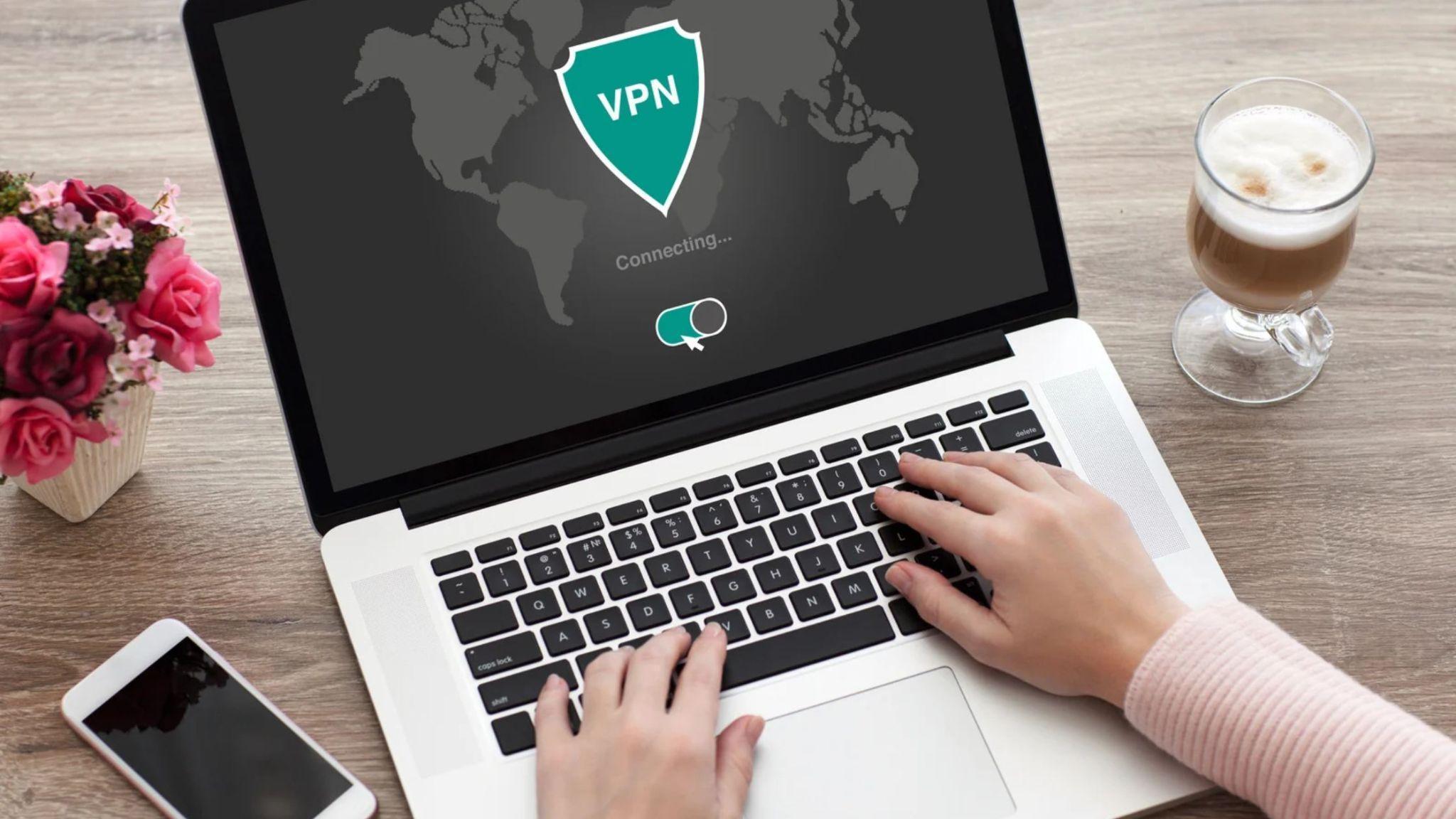
Anonymity is great when you try to browse the internet. Not everyone wants people to know who they are, where they are from, from where they are accessing a website and so on. Realistically though, it has become much harder these days to maintain that sense of anonymity in the online world. That’s why the best thing you can do is to try and stay anonymous, where possible. And here are some tips to help you do that.
Hide your IP
Hiding your IP is a great idea, and using the proxy for privacy can be an excellent approach. A proxy will not show your real IP, and that will keep you safe. There’s also the option to use a VPN as well. The main focus is to not show your real location. That way, it becomes harder for a hacker to try and steal your identity, and it’s certainly a crucial aspect to consider these days, especially with so many identity theft issues.
Reduce browser tracking and fingerprinting
Realistically, a browser is going to track a lot of your stuff, and they do that via cookies, browser fingerprinting and data collection. But there are ways for you to push back. For example, you can go for a privacy-focused browser such as Firefox with strict tracking protection, the Tor browser or Brave, among many others.
Another thing that you can do is to block trackers and ads, and here you have tools like uBlock Origin that might come in handy. You should also consider clearing or isolating cookies, and limiting extensions where you can. Disabling any unnecessary permissions and keeping those under control will help quite a bit, and it will certainly streamline the process in a more cohesive and consistent manner.
Change the way you search
Your search history shows quite a bit about your life, what you are trying to find online and so on. Unfortunately, Google shows a lot of the stuff you are searching, so it does make sense to try and use privacy-oriented search engines. There are quite a bit of them, like Brave Search, Startpage, DuckDuckGo and so on. Sign out of your main accounts while searching as well. it’s the simple stuff that can help you save a significant amount of time and effort, so try to use that to your advantage.
Use HTTPS
The reason why you want to do that is because HTTPS is encrypting the connection between your website and browser. It helps prevent anyone on the network from reading/altering the messages and information. It’s one of those things that can help more than expected, and it will certainly make the process better in the end.
Separate your identities
Another good thing that you can do is to try and separate your identities to the best of your capabilities. The best approach is to not mix identities you have on different sits. Use different passwords, unique usernames, email aliases and so on. Plus, try to watch what you are revealing in content and be careful with phone numbers, too. At the end of the day, staying safe requires attention and focus, and that can help save you a lot of headaches down the line.
Protect your OS and device
It’s always a great idea to protect your device because you don’t want your info to fall in the wrong hands. Keeping it safe and not in a spot where everyone can get to it, that will be a huge issue. It makes sense to keep everything updated, review the privacy settings, and maybe even use a privacy-focused OS where necessary. Installing the wrong mobile apps is an issue, so again, you do want to protect yourself from any possible concerns and issues that could potentially arise.
And while you are there, try to avoid any downloads or payments that are not exactly ok. Misusing the payment cards and bank accounts will bring people directly to you, since those are tied to your name. You want to be as prepared as you can be and focus on safety. Downloads are in the same boat here, they do carry their own risks, and can be inherently problematic. The most important thing is to know what to download and not grab random stuff from anywhere. Be more wary about the situation and you will have better results in the end.
What mistakes do you want to avoid?
- Logging into personal accounts without any type of protection on the computer or device is a huge issue, and that can end up becoming problematic.
- Trusting private or incognito mode isn’t a good idea. It prevents your browser from saving the local history. But the internet provider, sites you visit, they all see your IP and all the information.
- Free VPN or proxy services are a natural problem, because you don’t know who runs them and also where your data goes.
- Ignoring leaks is again, a huge problem because whenever your data is leaked, you want to have it removed, not pushed even further to other people.
- The same thing can be said when it comes to sharing too much stuff on social media. It just makes sense to focus on your privacy and not worry about sending too many details to others. At the end of the day, the most important approach is understanding the process, adjusting and adapting in an appropriate manner.
- Assuming that a single tool is enough is also a problem. Staying anonymous requires you to use multiple layers that are working together, and not just a single product.
Conclusion
There’s always going to be some type of challenge when it comes to staying anonymous in the online world. What matters the most is how you are handling that situation and how you are ensuring that everything is working appropriately. We highly recommend taking your time, understanding the pros and cons of each tool and narrowing down the best ways to implement everything. It’s a challenge, but you can never be too secure these days!


Why School Seals and Signatures Matter on Academic Documents

How to Compare Forex Account Types Based on Your Trading Experience?

How to Stay Anonymous While Browsing the Internet?
The Benefits of Using Apex Legends Hacks and Cheats in Your Gameplay

Prepaid Cards vs. E-Wallets: Which Payment Method Offers Better Privacy? Prepaid Debit Cards vs. Digital Wallets: The Battle for the Future of Small-Dollar Transactions

The Evolution of Digital Trust: What Transparent Gaming Platforms Can—and Cannot—Prove
Prepaid Cards vs. E-Wallets: Which Payment Method Offers Better Privacy? Prepaid Debit Cards vs. Digital Wallets: The Battle for the Future of Small-Dollar Transactions
The Benefits of Using Apex Legends Hacks and Cheats in Your Gameplay
How to Stay Anonymous While Browsing the Internet?