Tech
10 Simple Ways to Improve Your AI-Generated Videos in a Connected Workspace

Artificial intelligence made video easier to start. It did not automatically make video easier to finish.
A pretty eight-second clip is now cheap. A publishable piece — hook, proof, close, same product, same person, right aspect ratio — still fails in the usual places: vague prompts, junk-drawer references, five orphans glued together, and a Downloads folder that forgot the brief.
A connected workspace changes that. On Topview, the useful loop is plan → generate → revise in the same project, not prompt → export → start over in another tab. Use this guide as a practical checklist. The tips are simple. The difference is whether you treat AI video like a slot machine or like a small production desk.
1. Write the job before you write the prompt
Amateurs describe a vibe. Better results start with a job.
One sentence is enough: “Open on the bottle, show the pour, hold a clean hero for end text.” If you cannot say what the clip must accomplish, the model will improvise atmosphere. That looks cinematic and still misses the brief.
Keep the first three seconds for the hook. Keep the last seconds still enough for a caption or CTA. Everything in the middle should prove one claim — not three.

More files are not more control. Conflicting files are noise.
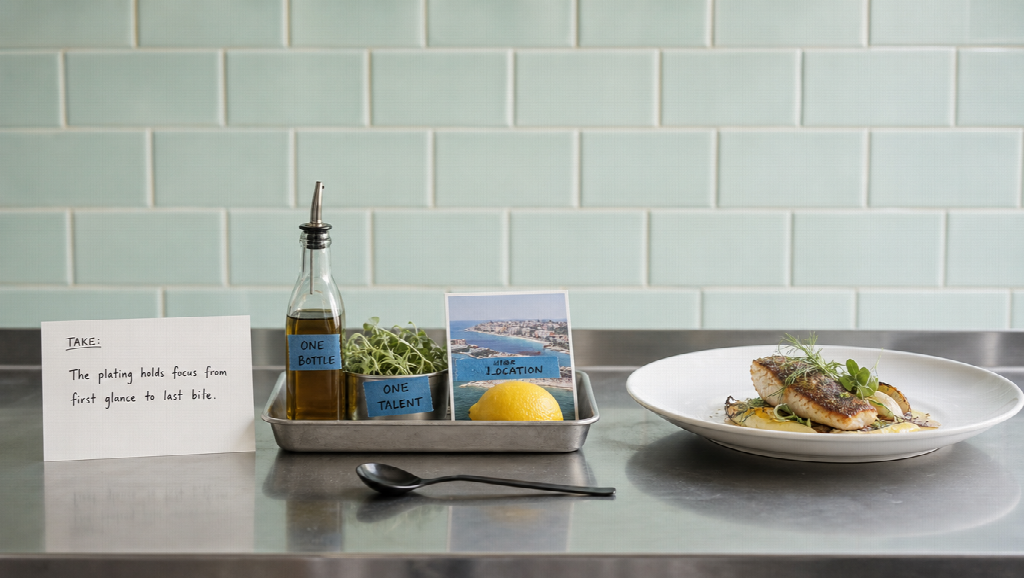
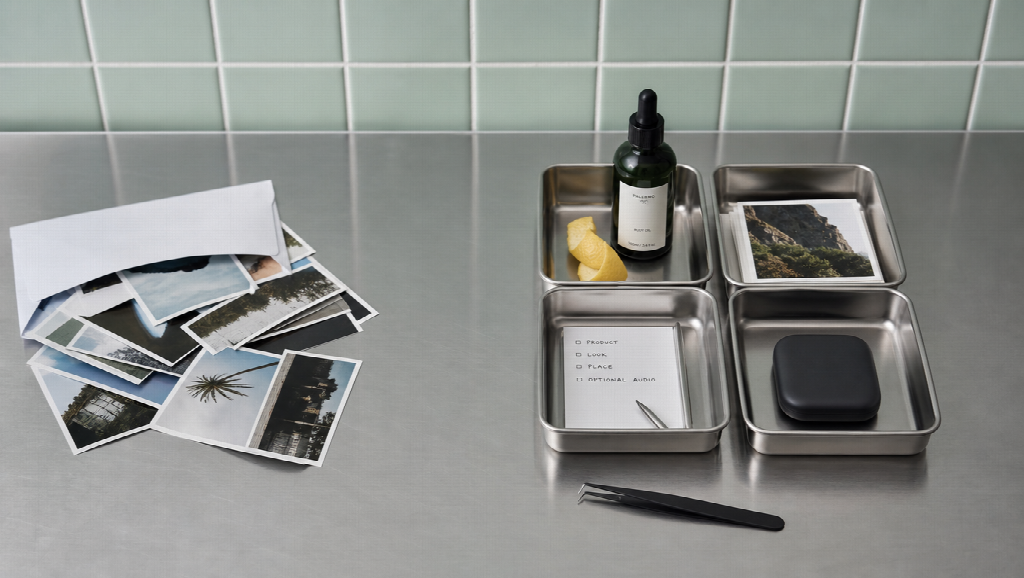
Build a small kit per project: one product still with a readable label, one talent look, one location frame, optional motion or audio if you have it. Label each file’s job in the prompt. Two jackets, two packages, or noon-versus-night stills will split the difference, and viewers will feel the drift even if they cannot name it.
Topview is built for mixed inputs — image, video, product URL, script. Use that. Do not empty the shoot folder into the generator and hope.
3. Direct with time ranges, not adjectives
“Make it cinematic” is not coverage.
Write second ranges:
0–5s slow push-in on the product. 5–15s lifestyle hands in frame, same window light. 15–25s benefit beat. 25–30s stable hold, space for text.
Camera language helps: height, distance, move. Negative notes help too: no extra logos, no invented signage, no new jewelry. Save a short list of prompts that actually worked. Reuse them. That is prompt engineering without the mystique.
4. Plan coverage on a film desk before you spend credits
One lucky take is not a scene.
If the piece needs boards, camera intent, and performance notes, sketch that order first. Topview’s Film Studio path is meant for this: story, storyboards, camera planning, performance direction, then scene generation, while you stay in the director seat. You are not required to use every control. You are required to know the shot order before the render button.
Coverage thinking — wide, medium, close, then a hold — beats rerolling the same wide until it accidentally includes a close-up.
5. Keep series memory in one place
Shorts that belong to a world die when characters live in Slack.
If you are making episodes, not one-off ads, lock people, places, props, and beats in a structured desk. Drama Studio on Topview is the memory layer for that job: outline or script in, bible nearby, approved boards before you burn generation on the scenes that matter.
Improving AI video is often improving continuity between posts, not making a single clip shinier.
6. Use a longer multimodal model for beats that need a full arc
This is the tip most “AI video hacks” skip.
If the deliverable is a 15–30 second spot, stitching five pretty fragments is the expensive path. Wardrobe changes. The label mutates. Geography resets. Choose a model lane that can hold a continuous beat with text plus image, video, and audio references.
On Topview, that longer execution layer is Seedance 2.5: a multimodal video model for coherent clips up to about thirty seconds, with timing and storyboard-friendly direction. It is not a replacement for the workspace. It is the engine you send the timed brief to when the job is a complete short arc rather than a novelty wiggle.
Vague prompts get more expensive at thirty seconds. Lock the kit first.
7. Revise the failed bar, not the whole universe
Old editing meant hours of cuts, color, and music sync. New editing should not mean regenerating a perfect open because second eighteen invented a new bottle.
Watch once for continuity, then change the weak interval. Topview’s Canvas-style and conversational edit habits are useful here: targeted instructions on a shot, a subject, or a pace note, without rebuilding the project. Local segment thinking — fix the range, keep the rest — is how you stop paying for the same hook twice.

Vertical for TikTok, Reels, and Shorts. Widescreen for YouTube and destination pages. A stable last frame for captions.
Do not bury the product in particle weather, dream wipes, and three fonts. Depth is foreground / subject / background, not a plugin pile. If you add text, keep it in a corner or lower third. If you do not want burned-in subtitles, say so in the brief.
Repurposing is resizing and recaptioning a strong master, not generating twelve unrelated looks and calling it a campaign.
9. Judge continuity before beauty — then look at the drop-off
A gorgeous clip that swapped the SKU is not a win.
Check identity, label, wardrobe, and room geography first. Then look at the first three seconds and the moment people leave. Analytics will not fix a brief you never wrote, but they will tell you if the hook is slow or the close is busy.
Iterate like production: change one variable — prompt interval, reference still, aspect ratio — and compare. Benchmark against your last post, not against a Hollywood trailer still.
10. Stay honest about what AI invented
Improving output also means not shipping a landmark that is not yours, a testimonial that is not real, or a product that grew a new lid.
Keep human review on claims, faces, and brand marks. Follow the platform rules you actually publish under. Watermark or disclose when the channel expects it. Document what was referenced versus what was generated so a client — or a future you — can audit the piece.
Trust is a retention feature. It is also how you avoid a takedown that wipes the “efficient” week.
Start small, then run the same desk
AI video is now available to solopreneurs and teams that never staffed a crew. The quality gap is no longer access. It is method.
Start with one product, one 20–30 second job, one clean kit. Plan the beat on Topview, send the long hold to a multimodal model that can carry it, revise the failed range, and publish in the frame the channel wants. Ten simple habits. One connected workspace. Fewer pretty orphans.
Share the version that survives a second watch — not only the version that looked expensive on first generate.